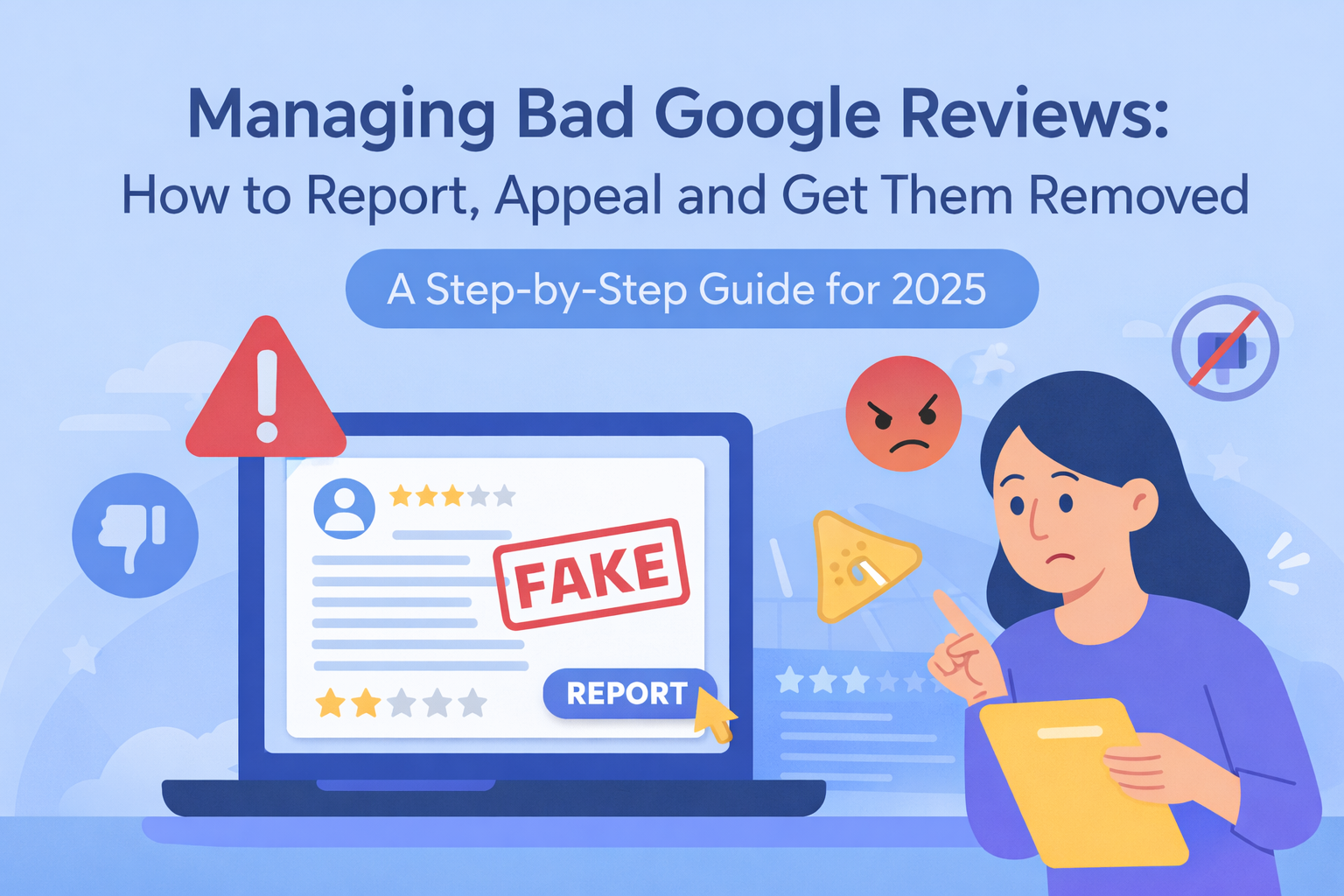
A Step-by-Step Guide for 2025
This guide is inspired by and based on the excellent breakdown provided by BrightLocal.
Google reviews can be incredibly helpful for building trust, improving local visibility and guiding potential customers towards your business. But what happens when a review is unfair, inappropriate, or simply not true?
Whether you’re dealing with spam, defamatory comments, a competitor attack, or content that clearly violates Google’s policies, there are steps you can take but it’s important to follow the right process.
Removing a Google review isn’t always straightforward and you cannot delete reviews yourself. However, you can report, appeal and dispute reviews when they breach Google’s policies.
Before You Begin: Can You Actually Delete a Google Review?
The short answer: Not only Google can remove a review.
Businesses cannot delete reviews, even if they are unfair or completely fabricated.
Google will only remove a review if it violates its policies, which include:
- Spam and fake content
- Profanity, hate speech, or harassment
- Conflicts of interest (e.g., competitors or employees)
- Off-topic content
- Illegal or dangerous behaviour
- Personal information
- Sexually explicit content
Negative reviews that are simply unpleasant or harsh do not qualify, unless they clearly break one of the rules.
Step 1: Identify Whether the Review Violates Google’s Policies
Before taking any action, review the content carefully and ask:
Does the review include:
- Hate speech or offensive language?
- A competitor posing as a customer?
- Someone reviewing the wrong business entirely?
- A personal attack mentioning staff by name?
- Irrelevant commentary (e.g., complaining about another company)?
- Fake claims designed to damage reputation?
- Promotional links or advertising?
If yes, you have grounds to report the review.
If not, your best approach is to respond professionally rather than request removal.
Step 2: Report the Review Directly from Google Maps
Reporting a review is the quickest, simplest step.
How to report a Google review:
- Go to Google Maps and search for your business.
- Click the Reviews section.
- Find the problematic review.
- Click the three dots (⋮).
- Select Report review.
Choose the most accurate violation category.
Choosing the wrong violation may cause Google to reject your request or delay processing.
Once reported, Google usually reviews the case within three business days.
Step 3: Use the Google Business Profile Review Tool
Google now provides a dedicated support tool to track and manage reported reviews.
Access the tool here:
https://support.google.com/business/answer/4596773
What the tool allows you to do:
- See which reviews you’ve already reported
- Check review removal status
- Submit additional appeals
- Track progress of flagged reviews
This tool is especially helpful if you’re managing multiple locations and need oversight across profiles.
Step 4: Submit a Detailed Appeal (If Your First Report Is Rejected)
If the review remains live after your initial report, don’t give up. Google allows you to appeal the decision, but your appeal must be well-supported.
What to include in your appeal:
- The specific Google policy violated
- A factual explanation of the situation
- Screenshots or evidence (if relevant)
- Why the review is misleading, harmful, or false
- Any context demonstrating policy infringement
The more clear and detailed you are, the more likely Google is to re-evaluate.
BrightLocal notes that well-documented appeals significantly increase the likelihood of removal; this is especially true for competitor attacks and spam patterns.
Step 5: Escalate Through Google Business Profile Support
If your appeal is still unsuccessful and you’re confident the review breaches policy, submit a support request.
How to contact Google Support:
- Sign into Google Business Profile.
- Click Support (Help > Contact Us).
- Select the relevant category:
- “Reviews”
- “Review removal request rejected”
- Provide:
- Your business name
- Profile ID
- Link to the review
- Policy violation details
- A concise, factual explanation
Google may request additional evidence or ask for more details. Respond quickly to avoid delays.
Step 6: Respond Publicly While You Wait
While waiting for Google to review your case, a calm, professional reply can protect your brand reputation.
A helpful approach:
- Keep it factual
- Avoid emotional language
- Offer to discuss offline
- Provide context without arguing
- Show that you care about resolving customer concerns
Even if the review stays, future customers will judge your response, not just the review itself.
Step 7: Strengthen Your Review Strategy Long-Term
You can’t prevent every problematic review, but you can reduce risk and build trust by:
- Encouraging consistent, authentic reviews
- Monitoring reviews weekly
- Responding quickly to negative feedback
- Training staff to avoid disputes escalating
- Ensuring profile accuracy to avoid mistaken reviews
- Using a structured review management process
A healthy stream of genuine, positive reviews will naturally dilute the impact of the occasional unfair one.
FAQs: Google Review Removal in 2025
How long does Google take to remove a reported review?
Typically up to three working days.
Can I sue to get a review removed?
Legal action is rare and difficult. Google may act if presented with a legal removal request, but this is a last resort.
Will Google tell me why a review wasn’t removed?
No decisions are usually final unless you appeal with stronger evidence.
Does deleting my Google Business Profile remove reviews?
No. Reviews remain tied to the business listing and will reappear if the profile is restored.
Final Thoughts You Can Dispute Unfair Reviews (If You Follow the Right Process)
Handling harmful reviews can feel frustrating, but you do have options and when done correctly, reporting and appealing can lead to successful removals. The key is understanding Google’s policies, providing strong evidence and remaining patient and professional.